Top 5 Dropshipping Profit Trackers for Shopify (2026) - Ranked & Compared

Expert Reviewer
Louise B.

The Definitive 2026 Guide to Profit Tracking for Shopify
In 2026, scaling a dropshipping store without real-time data is gambling. We've audited over 500 hours of store data to rank the top 5 tools that actually move the needle for your bottom line.
Winner 2026
XProfit - #1 Ranked
Reliability
Verified Data Sync
Why a profit tracker matters (especially for dropshippers)
If you're running paid traffic, your Shopify revenue number is a vanity metric. Real decisions (kill/scale products, adjust pricing, throttle ad sets) require net profit: revenue minus product cost, shipping, transaction fees, refunds/chargebacks, ad spend, and operational expenses. A good profit tracker pulls these inputs automatically so you're not making today's decisions using last week's spreadsheet.
What this guide covers
Below you'll find a ranked list of the top dropshipping profit tracker apps for Shopify in 2026, plus a quick buyer's guide on what to look for, what to avoid, and how to set your tracker up so the numbers are actually reliable.
Disclosure: XProfit is our product. We still include alternatives and list clear "best for" use-cases so you can choose what fits.
Last updated: January 2026
Table of Contents
Fast comparison: Top 5 dropshipping profit trackers (2026)
| Rank | App | Pricing (starts at) | Free trial | Best for | Action |
|---|---|---|---|---|---|
| #1 | XProfit | From $19/month | 14 days | Dropshippers who want simple, product-level profit + cost checks | View app |
| #2 | TrueProfit | From $35/month | 14 days | LTV/cohort + attribution-heavy brands | View app |
| #3 | BeProfit | From $49/month | 14 days | Custom reporting + flexible dashboards | View app |
| #4 | Lifetimely | From $75/month | 14 days | Retention + LTV analytics at scale | View app |
| #5 | Metorik | From $25/month | 30 days | Segmentation + reporting (and email workflows) | View app |
Pricing/ratings reflect Shopify listings and can change.
How we ranked these profit trackers (our scoring model)
We scored each app across the parts that actually change decisions in a dropshipping business:
- Accuracy of net profit (fees, refunds, taxes/VAT handling)
- COGS workflow (variants, bundles, multi-currency, invoice import)
- Ad spend integrations (Meta/TikTok/Google + attribution clarity)
- Operational cost tracking (apps, tools, payroll, 3PL fees, etc.)
- Speed + usability (setup time, dashboards, product-level drilldown)
- Scaling fit (multi-store, performance at higher volume)
- Pricing sanity (how painful it gets as you grow)
Why this matters: two trackers can "look similar" on a landing page, but one will quietly miscount refunds, ignore payment fees, or force manual COGS updates -- leading to fake winners and expensive scaling mistakes.
XProfit
From $19/month
14-day free trial - Higher tiers available
XProfit has disrupted the market by removing the 'success penalty.' While other trackers charge you more as you sell more, XProfit stays at a flat fee regardless of your volume. It's built specifically for the high-velocity dropshipping workflow.
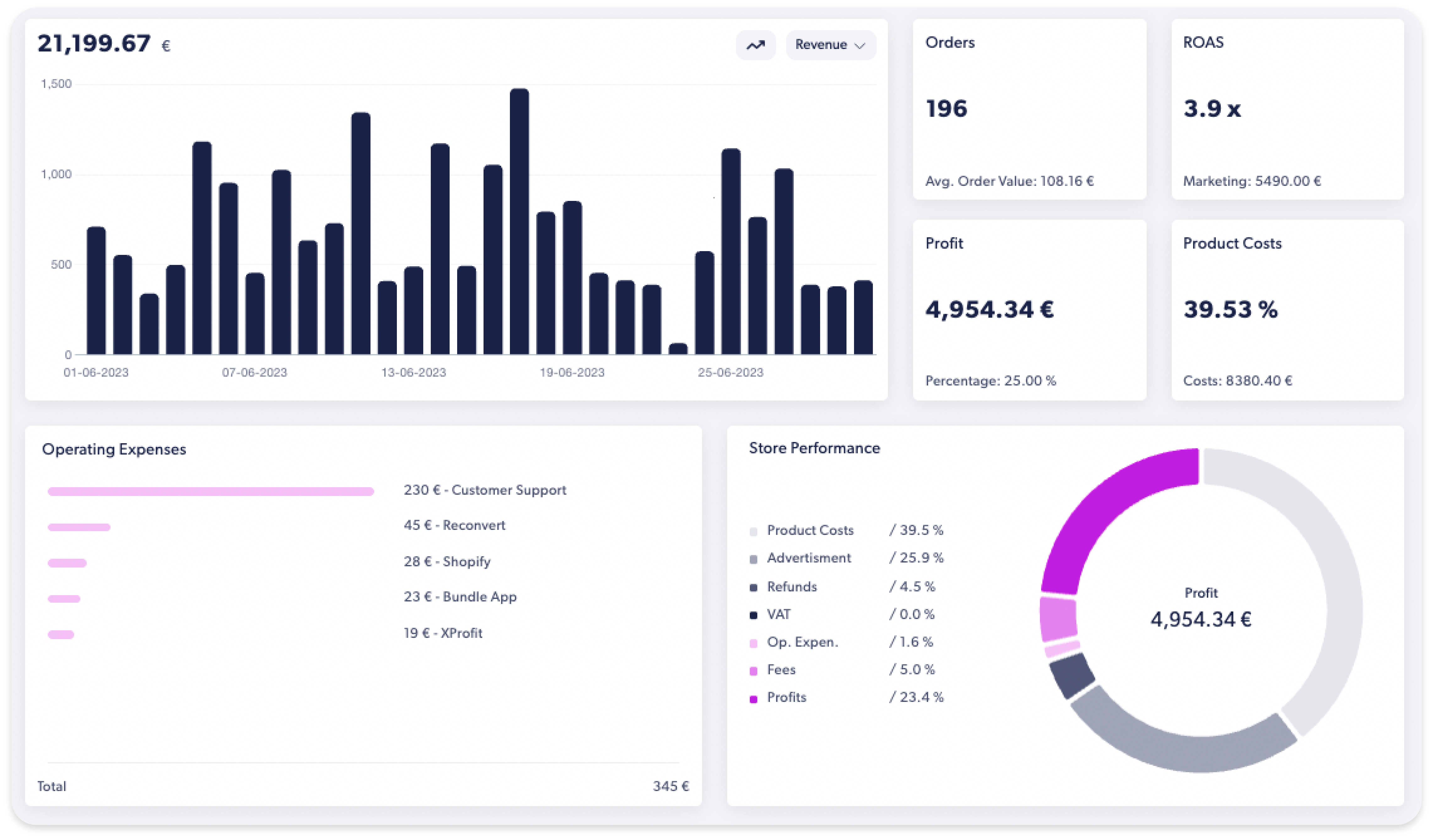
Key Benefits:
- Simple setup and optimized for dropshippers
- Direct ad spend injection from TikTok, Meta, and Google
- Native product analytics with detailed profit/product tracking
Pros
- Flat pricing stays predictable as you scale
- Fast setup with clear net profit views
- Solid product-level margin visibility
Cons
- Advanced attribution depth is lighter than LTV tools
- Best multi-store features are on higher tiers
"XProfit is the first tool that actually caught our shipping fee leak in the UK. Saved us $4k in the first week."
Marcus T.
7-Figure Store Owner
TrueProfit
From $35/month
14-day free trial
TrueProfit is a veteran in the space. They excel at cohort analysis and Customer Lifetime Value (LTV), helping brands understand the long-term profitability of their customer base beyond the first purchase.
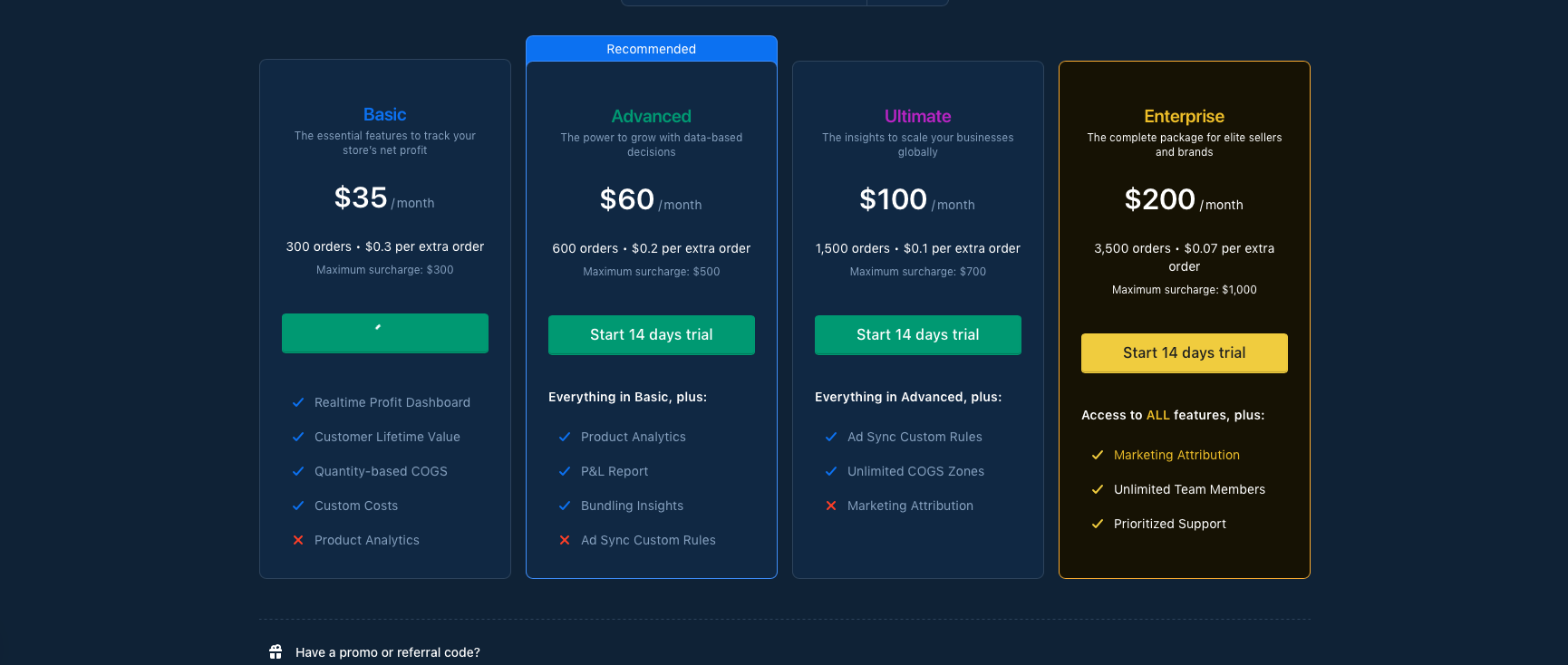
Key Benefits:
- Deep LTV cohort analysis for brands
- Granular marketing attribution models
- Mobile app for real-time tracking
Pros
- Strong cohort + LTV reporting
- Attribution clarity for paid traffic
- Polished dashboards
Cons
- Pricing scales as order volume grows
- Setup can take longer for complex stores
BeProfit
From $49/month
14-day free trial
BeProfit offers incredible flexibility in how you view your data with a powerful custom report builder. If you need to slice and dice your data for complex accounting, this is a strong contender.
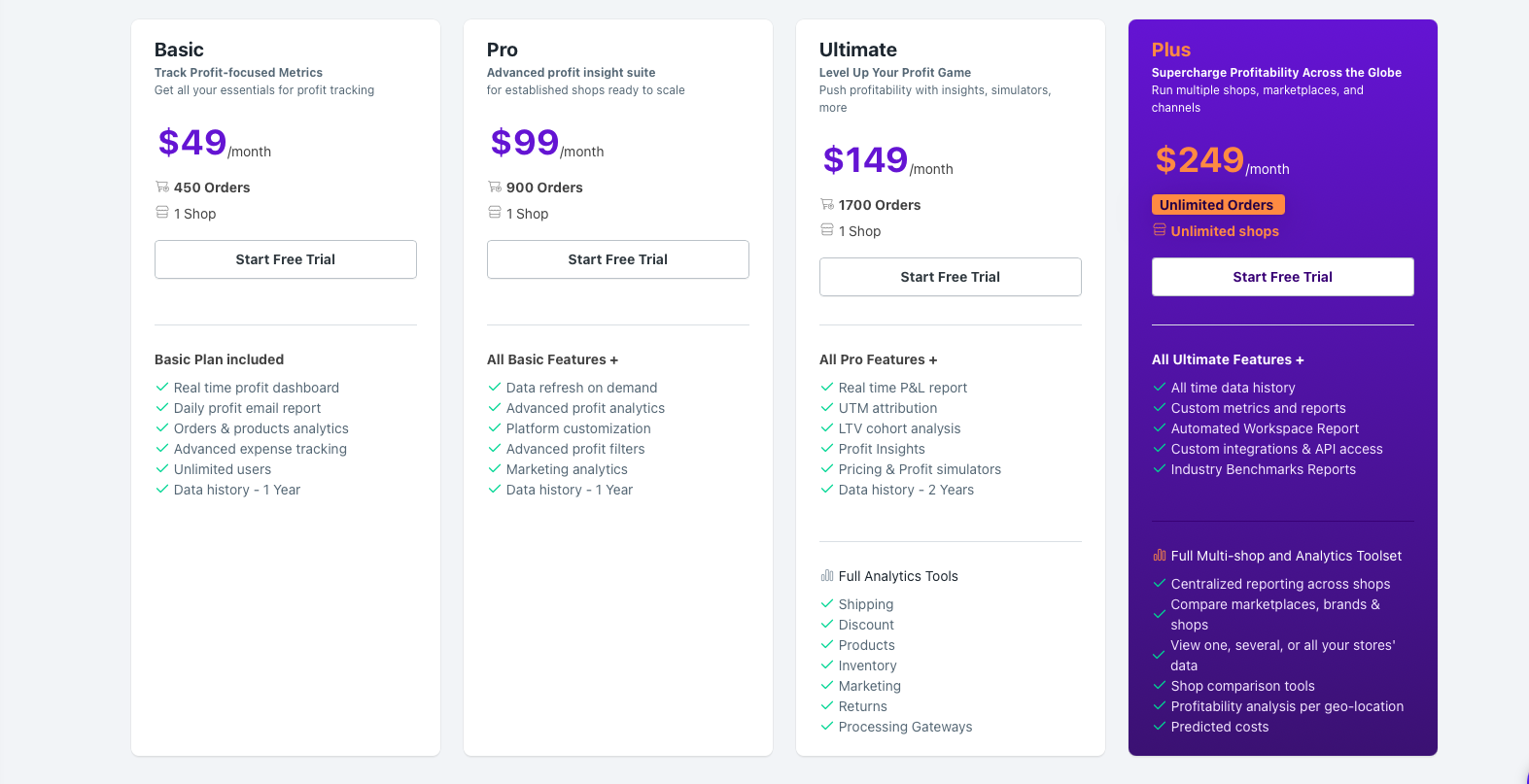
Key Benefits:
- Custom report builder with advanced filtering
- Accurate shipping cost and refund mapping
- Industry-leading visual data boards
Pros
- Highly flexible reporting and dashboards
- Good for finance teams and agencies
- Solid fee and shipping tracking
Cons
- Interface can feel dense for beginners
- Higher tiers get expensive at scale
Lifetimely
From $75/month
14-day free trial
Lifetimely provides deep insights into repurchasing behavior and profitability over time. It is widely considered the industry standard for stores with high repeat-purchase rates or subscription models.
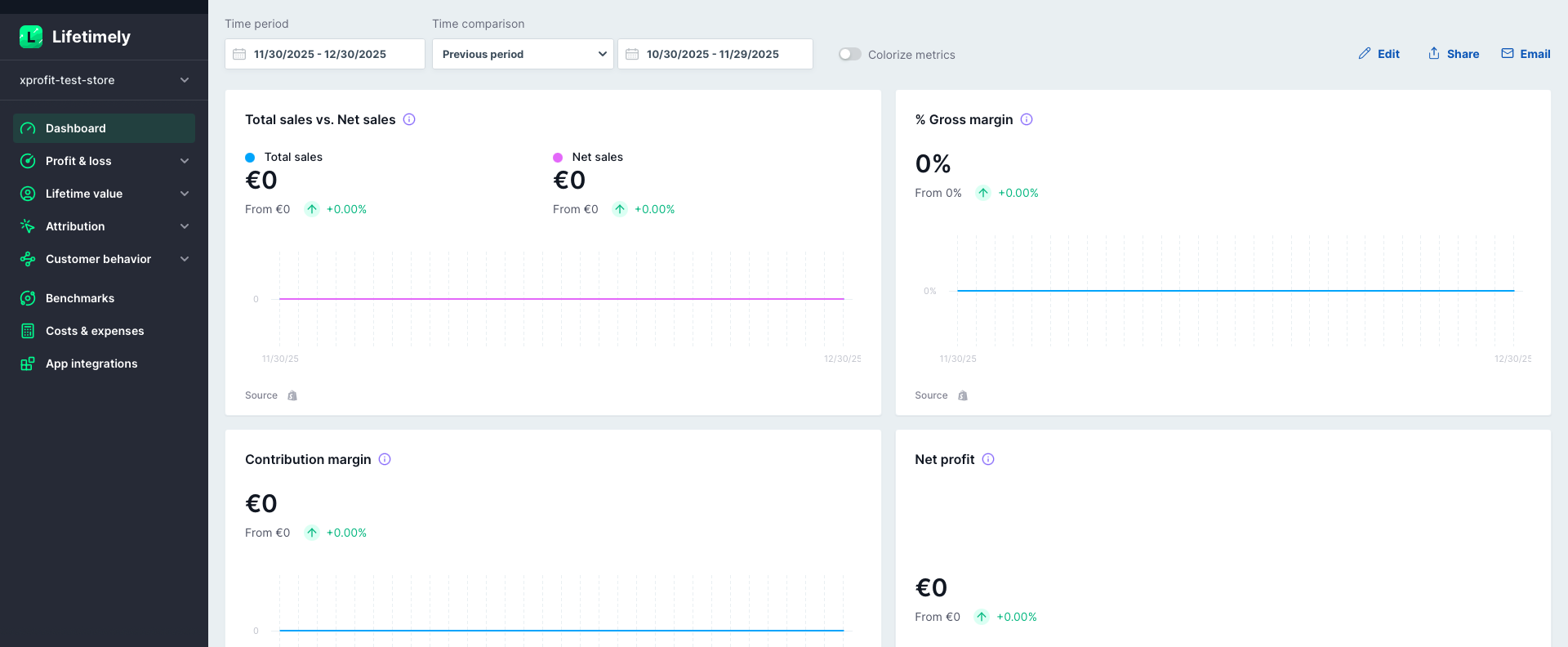
Key Benefits:
- Industry standard for Repurchase Rate tracking
- Automatic integration with email marketing data
- Comprehensive profit forecasting
Pros
- Best-in-class retention metrics
- Excellent LTV forecasting depth
- Great for subscription-heavy stores
Cons
- Less focused on dropshipping workflows
- Requires clean historical data to shine
Metorik
From $25/month
30-day free trial
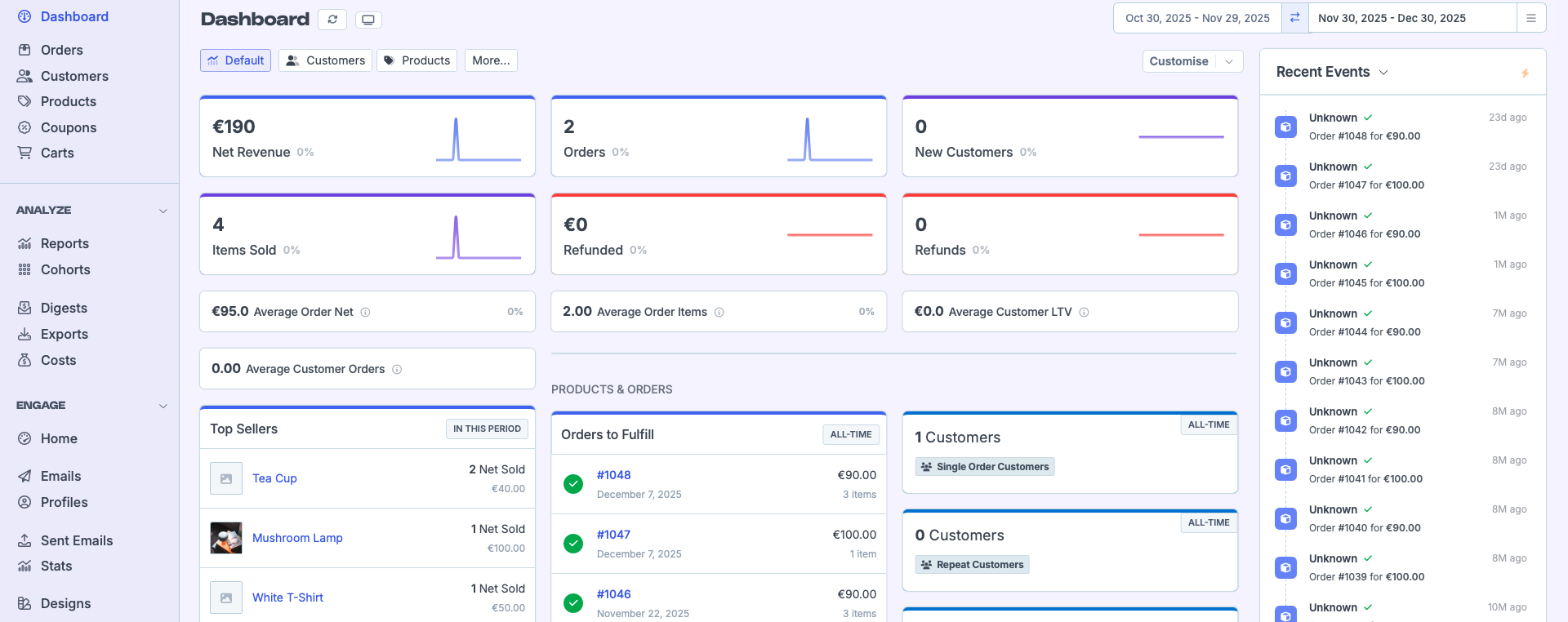
Metorik is a power-tool for data-driven store owners who need deep segmentation and automated digest reports. It works seamlessly across both Shopify and WooCommerce environments.
Key Benefits:
- Best-in-class segmentation and filtering engine
- Automated Slack and Email reporting digests
- Seamless multi-platform support (WooCommerce + Shopify)
Pros
- Powerful segmentation and customer insights
- Automation-ready reports
- Great for multi-store operations
Cons
- Not dropshipping-first out of the box
- Requires more setup to track true net profit
What to look for in a
Shopify profit tracker (dropshipping edition)
COGS you can trust (not guess)
A tracker is only as good as its cost data. Look for:
- Variant-level costs (not just product-level averages)
- Bundle handling (true blended cost)
- Multi-currency purchase costs
- Supplier invoice import or reconciliation
Ad spend + refund reality
If refunds and chargebacks are a meaningful % of orders, you need:
- Refund attribution by product/ad period
- Net profit view by channel/campaign
- A clear "what's included" model for fees, shipping, and taxes
The "time to truth" test
Ask: How fast can I install this and trust the numbers?
The best apps get you close in minutes, then let you tighten accuracy over time via cost rules, fee mapping, and expense categories.
Exports + accountant friendliness
Even if you don't care today, you will later. Prioritize:
- CSV exports
- Profit & loss views
- Clear definitions (gross profit vs contribution margin vs net profit)
How to set up profit tracking in 15 minutes (so numbers aren't garbage)
- Install & sync Shopify orders (baseline revenue + refunds).
- Connect ad accounts (Meta/TikTok/Google where possible).
- Set COGS rules: import costs (CSV/invoice) or define defaults by SKU; handle bundles/variants explicitly.
- Confirm transaction fees + shipping (either mapped or estimated).
- Add recurring expenses (apps, subscriptions, tools).
- Run a sanity check: compare last 7 days vs Shopify payouts + ad dashboards.
- Create your daily dashboard: net profit, margin %, top products, worst offenders.
If your net profit doesn't pass a simple sanity check, don't scale -- fix the inputs first.
Short conclusion: which tracker should you pick?
If you want the cleanest dropshipping workflow and predictable pricing, XProfit is the overall winner. For LTV-heavy brands, TrueProfit is the strongest fit. If you need custom dashboards and finance-grade reporting, BeProfit is the best bet. Lifetimely is the go-to when retention and forecasting matter most, and Metorik is a standout for segmentation and multi-store reporting.
FAQs: Profit Tracking in 2026
Do I need a profit tracker if I already use Shopify Analytics?
Shopify Analytics is great for revenue and orders, but it typically won't reconcile true COGS, ad spend, refunds, fees, and operating expenses into decision-ready net profit.
What's the difference between gross profit and net profit?
Gross profit is revenue minus product cost. Net profit subtracts additional costs like fees, shipping, refunds, ad spend, tools, and overhead.
How do profit trackers handle refunds and chargebacks?
The best tools tie refunds back to the original order/product and adjust period reporting so you don't celebrate fake profitable weeks.
What's the #1 reason profit trackers show wrong numbers?
Incorrect or incomplete COGS (missing variants, bundles, or multi-currency costs) plus unmapped fees/shipping are the most common causes.
How often does data update?
Most apps update continuously or on frequent refresh cycles. Always confirm how ads and refunds sync, since that's where delays usually happen.
Which tracker is best for multi-store?
Choose a tool that supports multi-store reporting in the plan you intend to buy. XProfit includes multi-store in higher tiers, and Metorik also supports multi-store limits by plan.